Get a quick view of your accounts, data stores, and risks.
To view the new Dashboard, click your profile icon. In the New UI section, turn on the Dashboards toggle.
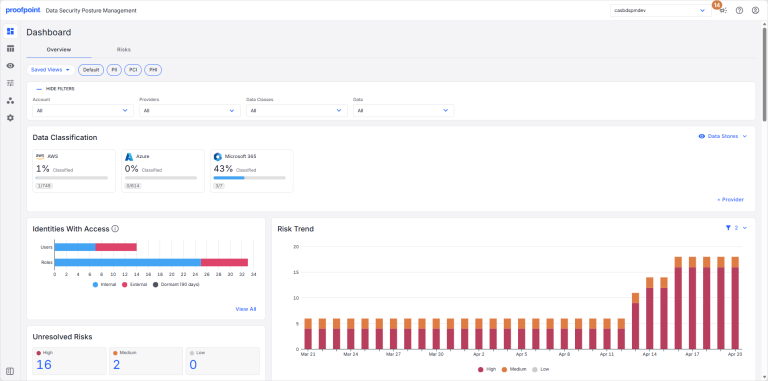
Use the dashboard filters to focus on the data you’re most interested in. For example, you may want to look at specific accounts, providers, data classes, or data types.
The Overview tab contains the following sections: