What risks do you need to resolve?
To view the new Dashboard, click your profile icon. In the New UI section, turn on the Dashboards toggle.
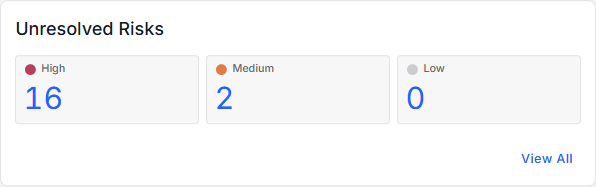
View the number of unresolved risks for your data stores. Risks are classified as High, Medium, and Low based on their impact and likelihood scores.
Impact refers to the severity of the security breach for the risk (Low, Medium, High).
Likelihood refers to the possibility that the risk could lead to a security breach (Low, Medium, High).
You can:
- Click the High, Medium, or Low risk count to view details for the unresolved risks (on the Open Risks page).
- Click View All to view all unresolved risks (on the Open Risks page).