To view the new Risk pages, click your profile icon. In the New UI section, turn on the Risks toggle.
Click a risk description to view the risk details, severity, impacted files, remediation steps, and history.
To view details for a risk:
- Select Investigate > Risks. Select the Open Risks or Closed Risks tab.
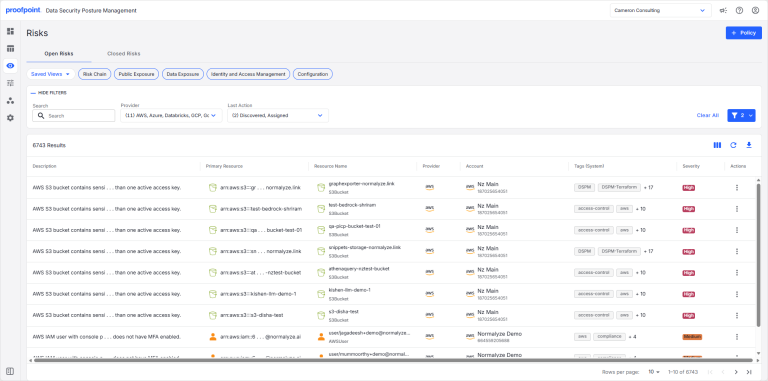
- Select a risk description. The risk details are shown.
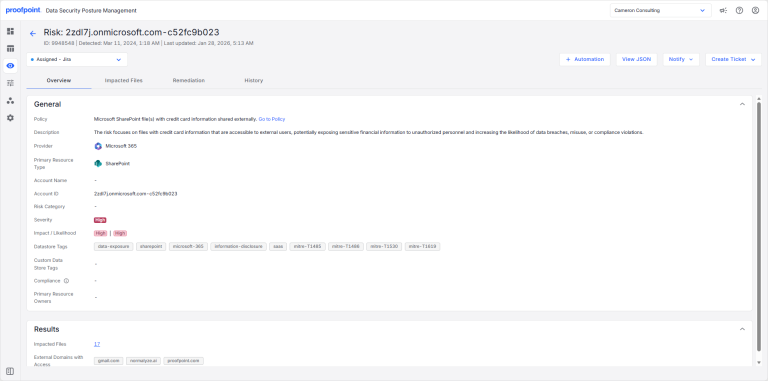
Risk details are shown on the following tabs: