To view the new Risk pages, click your profile icon. In the New UI section, turn on the Risks toggle.
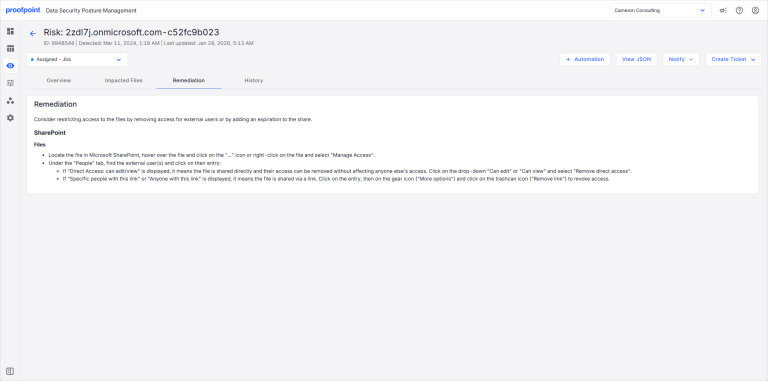
The Remediation tab contains the remediation steps required to address the risk.
To view the Remediation tab:
- Select Investigate > Risks.
- Select the Open Risks or Closed Risks tab.
- Select a risk description. Select the Remediation tab.