To view the new Risk pages, click your profile icon. In the New UI section, turn on the Risks toggle.
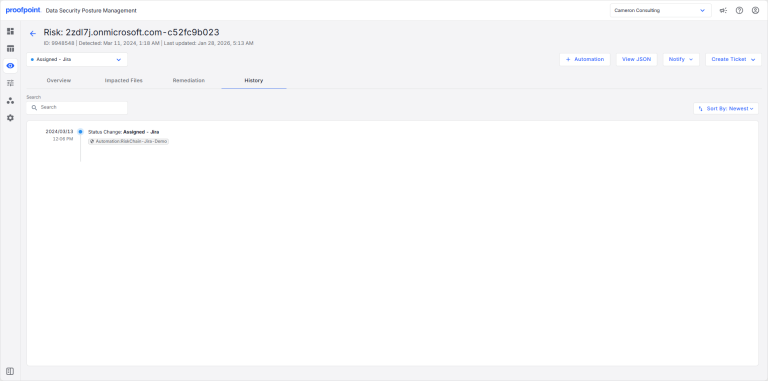
The History tabs shows all actions that have been taken for the risk. Actions can be performed manually or by an automation.
To view the History tab:
- Select Investigate > Risks.
- Select the Open Risks or Closed Risks tab.
- Select a risk description. Select the History tab.