To view the new Risk pages, click your profile icon. In the New UI section, turn on the Risks toggle.
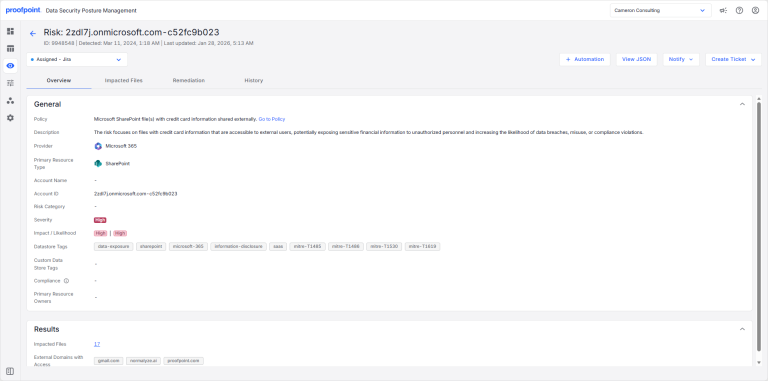
The Overview tab provides details such as the risk policy, description, category, severity, and impact/likelihood.
To view the Overview tab:
- Select Investigate > Risks.
- Select the Open Risks or Closed Risks tab.
- Select a risk description. The Overview tab opens.