Inventory displays a comprehensive list of all the resources and services in your cloud environment discovered by the DSPM onboarding process
This section is your central repository of information about the the infrastructure, configurations, and usage of the entities in your cloud.
Some examples of inventory:
- Virtual Machines (VMs): Details about the virtual machines deployed on the cloud accounts, including their specifications, operating systems
- Storage: Access controls, storage sizes, and information about the different types of storage resources used such as object storage, block storage, and file storage
- Networking: Details about the virtual networks and subnets established for use with the applications along with information about load balancers, security groups
- Access: What users and roles have access to your data
- Backups and Databases: Snapshots and databases detailed by tables and columns
-
Secrets and Keys: What secrets and keys are set up on your data stores
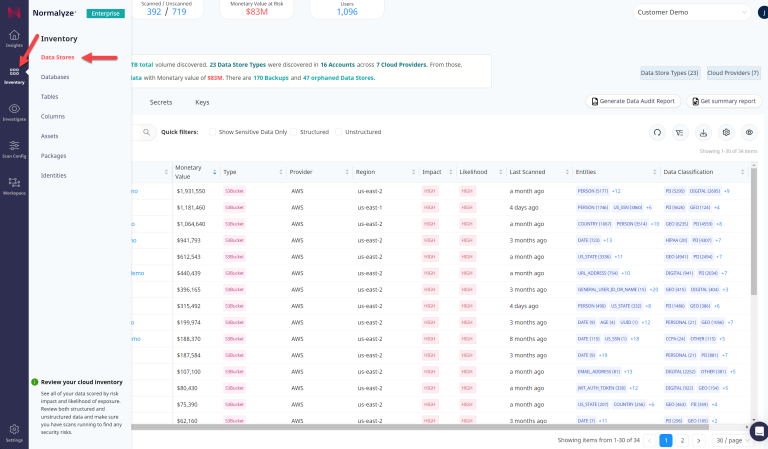
Details for each of the items and the information associated with them are explained in the following sections.