To view the new Data Store pages, click your profile icon. In the New UI section, turn on the Data Stores toggle.
The Connect tab is available for IaaS data stores (e.g., AWS, Azure, GCP).
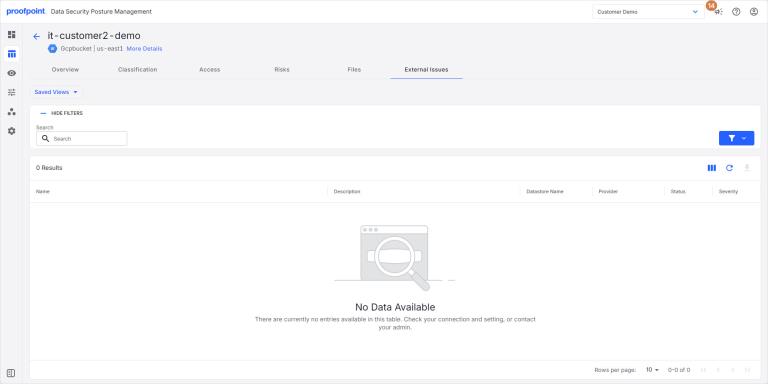
Use this tab to view external issues (outside of DSPM) for the data store.
To view the External Issues tab:
- Select Inventory > Data Stores.
- Select the Data Stores tab.
- Select a data store. The Overview tab opens.
- Select the External Issues tab.