To view the new Data Store pages, click your profile icon. In the New UI section, turn on the Data Stores toggle.
The Access tab was previously called Access Details.
The Access tab provides a comprehensive overview of who or what has access to the data within a specific data store.
This tab is crucial for auditing access controls, identifying potential over-privileged accounts, and ensuring data security by managing who can access sensitive information within each data store.
Use this tab to understand the access posture, identify potential over-privileged entities, and manage access rights. The information presented varies based on the data store type (IaaS, SaaS, on-premises) and whether the data store contains unstructured or structured data.
To view the Access tab:
- Select Inventory > Data Stores.
- Select the Data Stores tab.
- Select a data store. The Overview tab opens.
- Select the Access tab.
IaaS Data Stores
Users
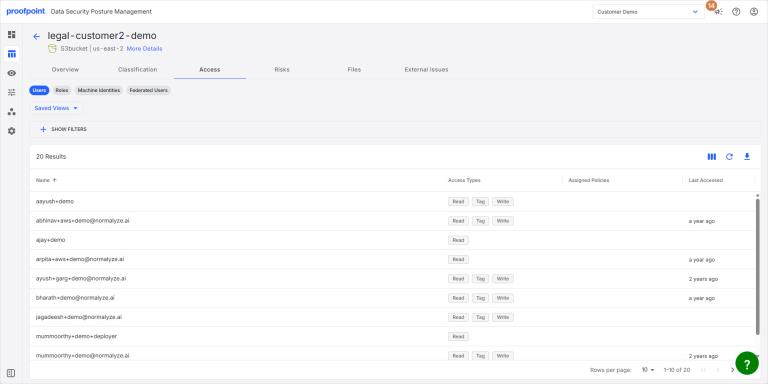
This table shows the users with access to the data store through direct role assignment or policies. The Access Types column shows the user’s access privileges.
Roles
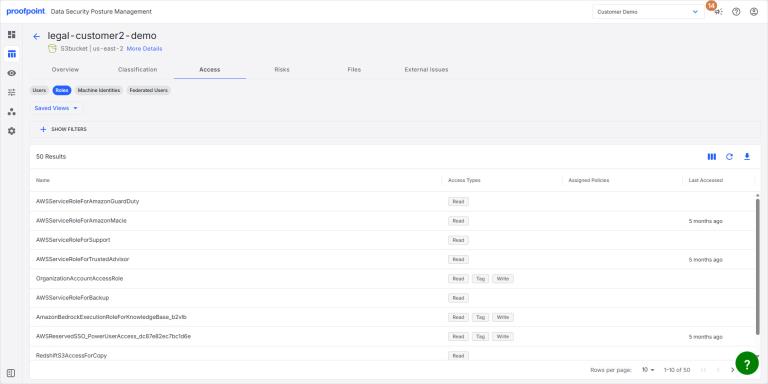
This table shows the roles that have access to the data store. The Access Types column shows the role’s access privileges.
Machine Identities
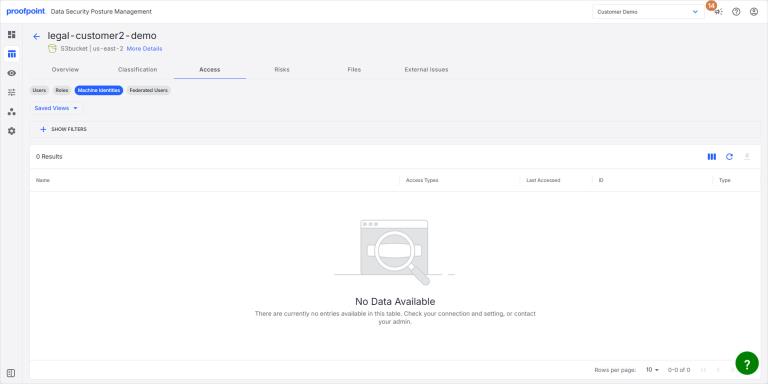
This table shows the machine identities that have access to the data store. The Access Types column shows the machine identity’s access privileges.
Federated Users
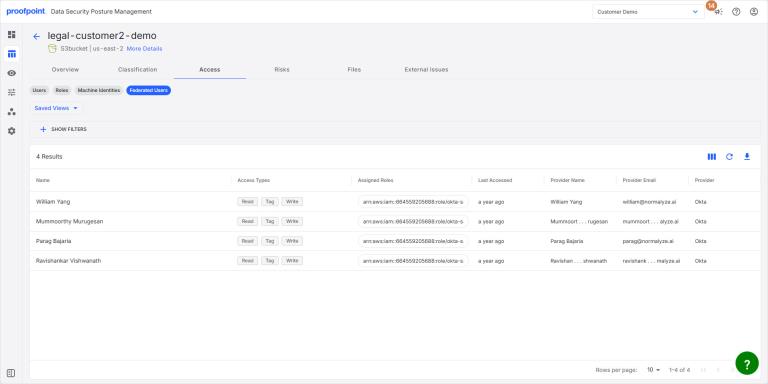
This table shows the federated users that have access to the data store. The Access Types column shows the user’s access privileges.
SaaS Data Stores
Users
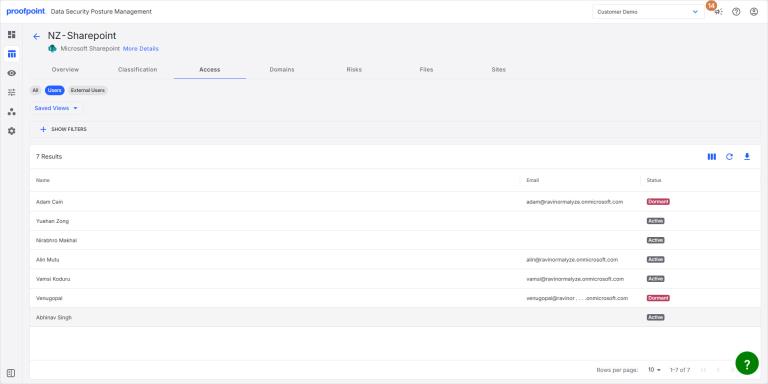
This table shows the users provisioned directly from DSPM with access to the data store. The user’s name, email address, and status are shown.
External Users
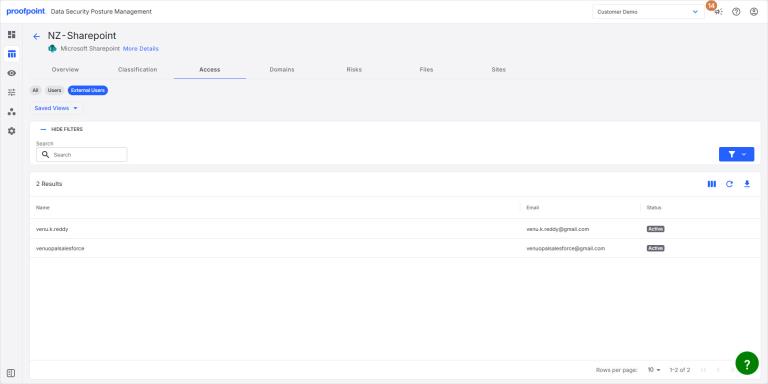
This table shows the users provisioned from an external IDP with access to the data store. The user’s name, email address, and status are shown.