DSPM platform supports applying Microsoft Purview Information Protection (MIP) sensitivity labels for files in SharePoint and OneDrive from the DSPM platform.
To support the use of MIP labels, additional MS-Graph API permissions and Metered API have to be granted.
More details on MIP feature are available here:
https://learn.microsoft.com/en-us/purview/sensitivity-labels-sharepoint-onedrive-files
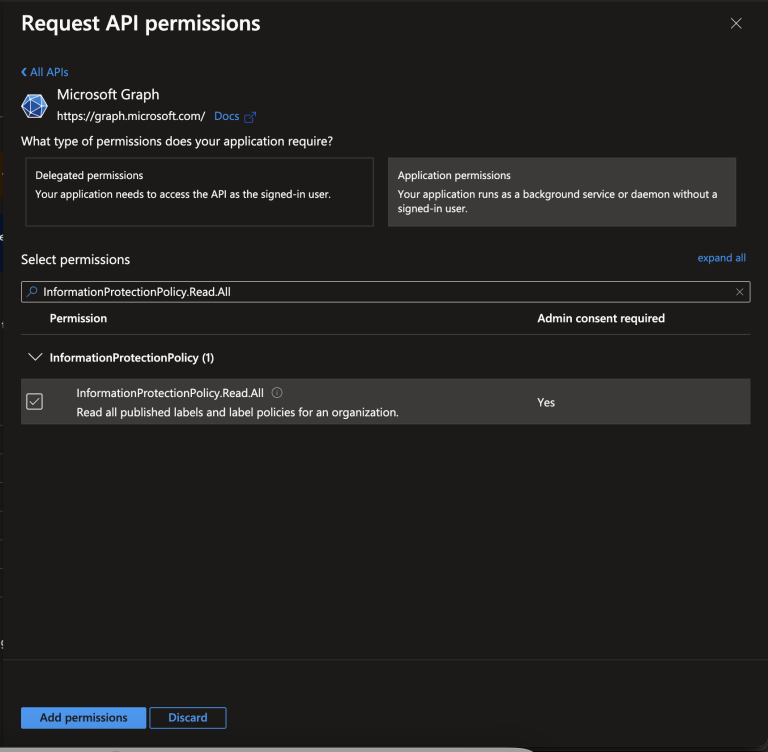
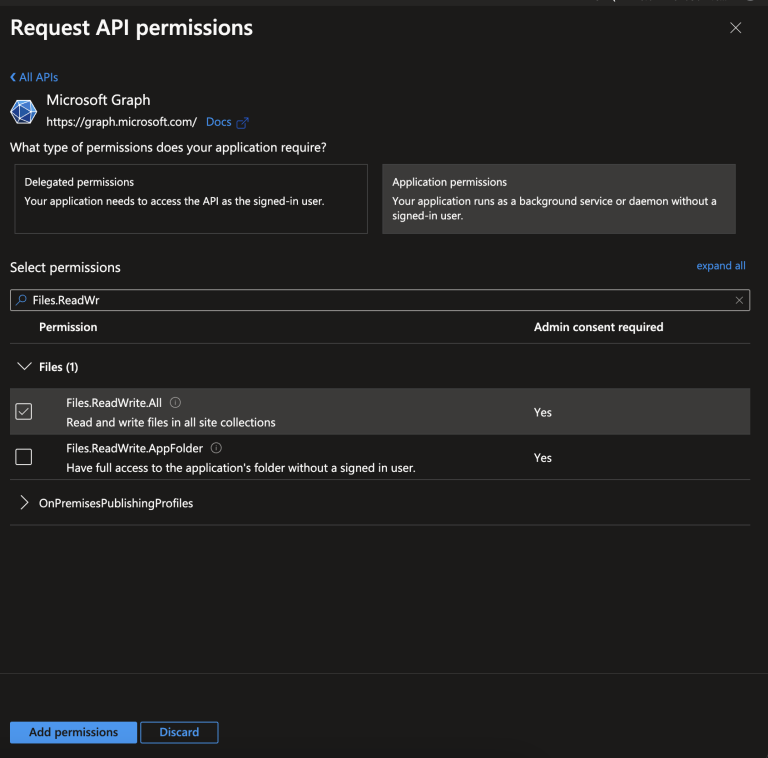
To enable this feature, the following API Permissions have to be granted to the DSPM App Registration:
InformationProtectionPolicy.Read.All Allows an app to read published sensitivity labels and label policy settings for the entire organization or a specific user, without a signed in user.
Files.ReadWrite.All Allows the app to read, create, update and delete all files in all site collections without a signed in user.
Select Grant admin consent for MSFT, then choose Yes in the pop up box.
Metered API The MIP sensitivity label apply functionality on Microsoft is part of list of APIs that requires payment for use. For this reason Meter API must be enabled as part of pre-requisites for MIP label functionality on DSPM.
To enable the metered API, launch a Cloud Shell from the Azure Portal and run the following Azure CLI Commands.
1. Register a resource provider:
Register-AzResourceProvider -ProviderNamespace Microsoft.GraphServices2. Create a Resource Group by passing a unique name and location:
New-AzResourceGroup -Name <RG name> -Location <region to create>3. Create the new resource for meter API:
New-AzResource -ResourceName <Resource name> -ResourceGroupName <from step 2 above> -ResourceType Microsoft.GraphServices/accounts -Properties @{"appId"="<client_id from Step 10.1>"} -Location Global -ForceStep 10.1 mentioned in the above command corresponds to this step.