You can use conditions to set up lists such as a user group for risky users or a list of social media websites and you can use these lists when creating rules and explorations.
For more information about conditions, see Conditions.)
List of Risky Users
In this example, a list of risky users is created.
-
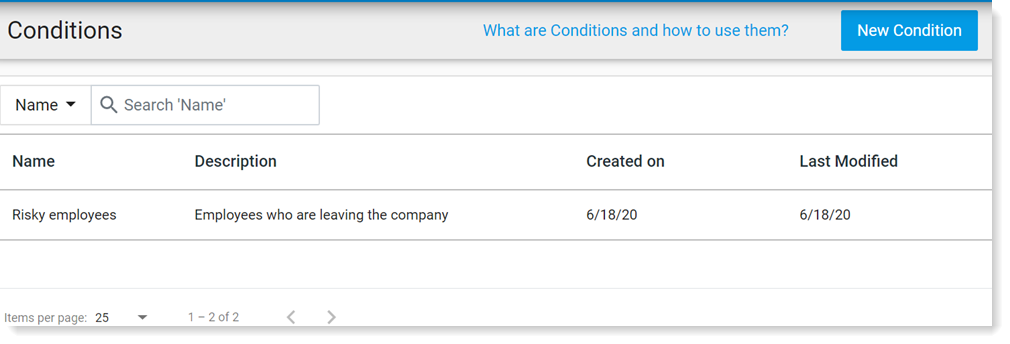
From Proofpoint Data Security, select the Administration app. Select Definitions > Conditions.
-
Click New Condition.
-
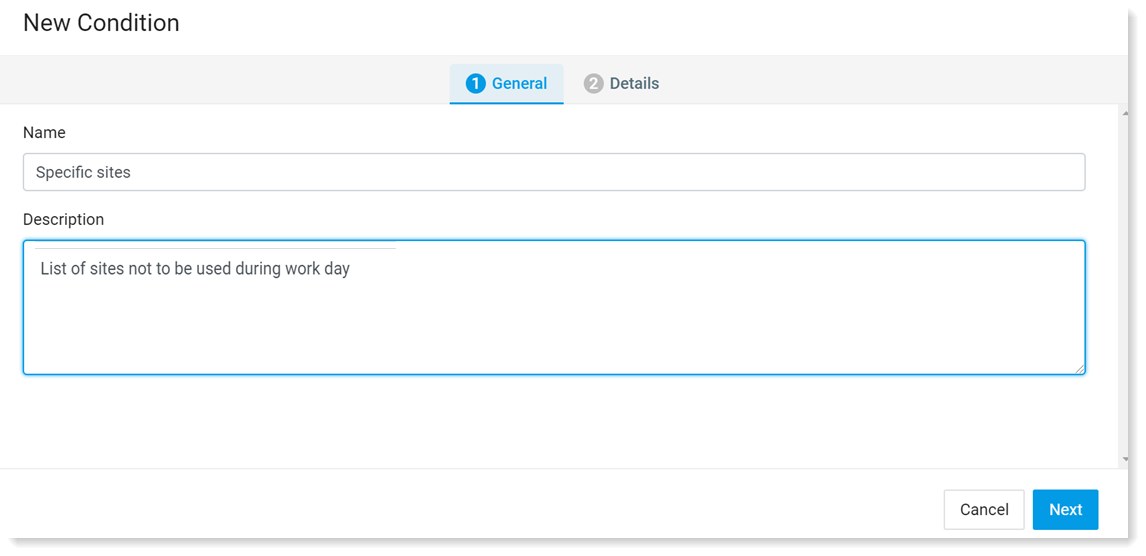
In General tab, complete the Name and Description (optional) fields. Click Next.
-
In the Details tab, from Select, select Select Field. From the Select Field list, select User and then User Name. In the Value fields, select all the users you want to include in the risky users group. Click Done.
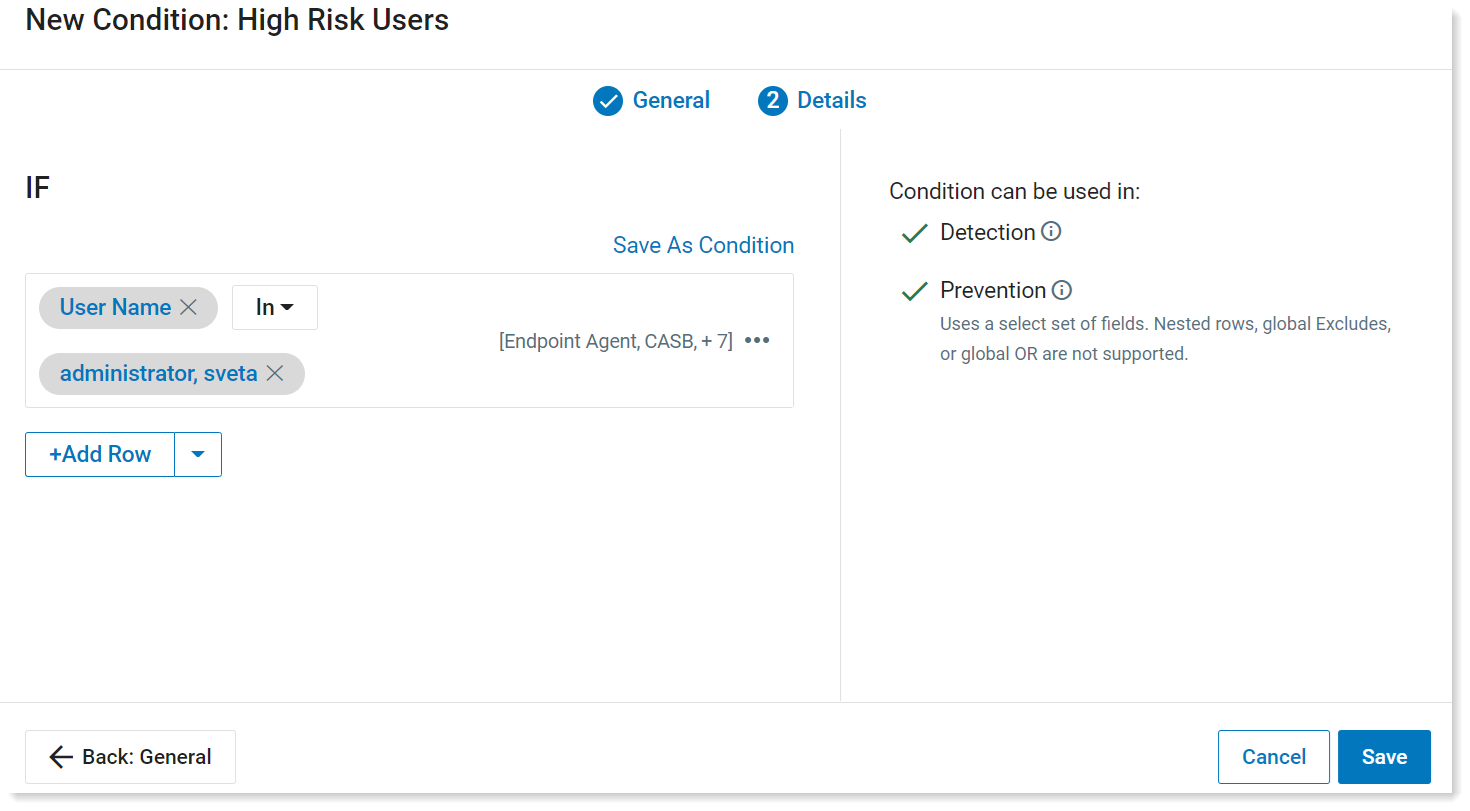
- Click Save.
List of USB Serials Numbers from .csv File
In this example, a list of USB serial numbers is created and the serial numbers are imported from a .csv file.
-
From Proofpoint Data Security, select the Administration app. Select Definitions > Conditions.
-
Click New Condition.
-
In General tab, complete the Name and Description (optional) fields. Click Next.
-
In the Details tab, from the Select dropdown, select Select Field. From the Select Field list, select Devices and then USB Serial.
Click Import CSV button.
-
From the File Import area, select the file with the USB serial numbers and click Import.
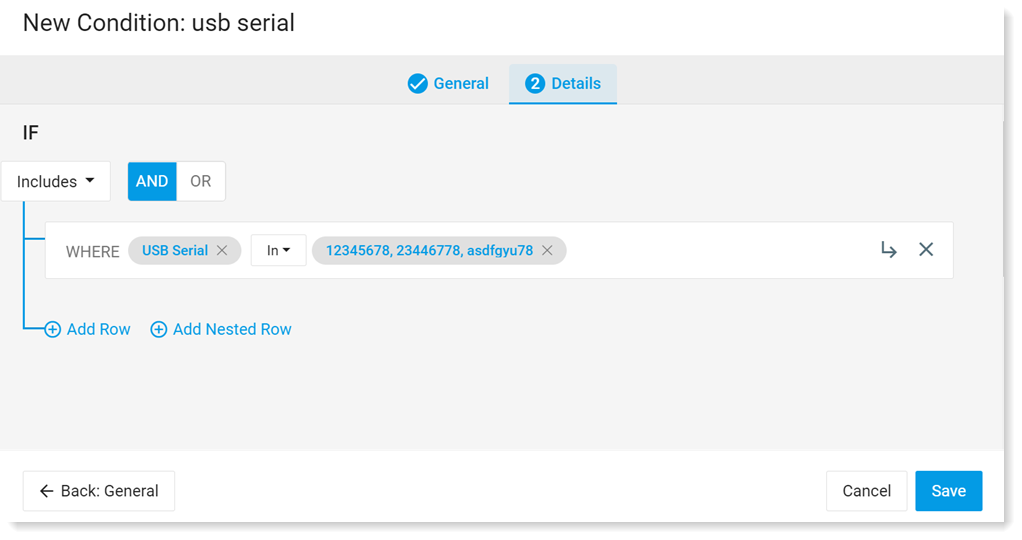
- Click Save.
Related topics: